
Project Overview
The was one of the most straight-forward UX projects I completed during my time at GTRI but it still had an extremely complex element to it. The basic idea was to create a database driven, control mapping tool for the Hands on Throttle and Stick (HOTAS) controls for a variety of different USAF aircraft. Pilots could then log on to the system, select an aircraft from an assigned list, and experiment with mapping different control patterns for that aircraft in an effort to use their expertise to maximize efficiency and potentially update the controls to account for any newer technologies that had been implemented on their platform.
Full Case Study: *available upon request due to security constraints
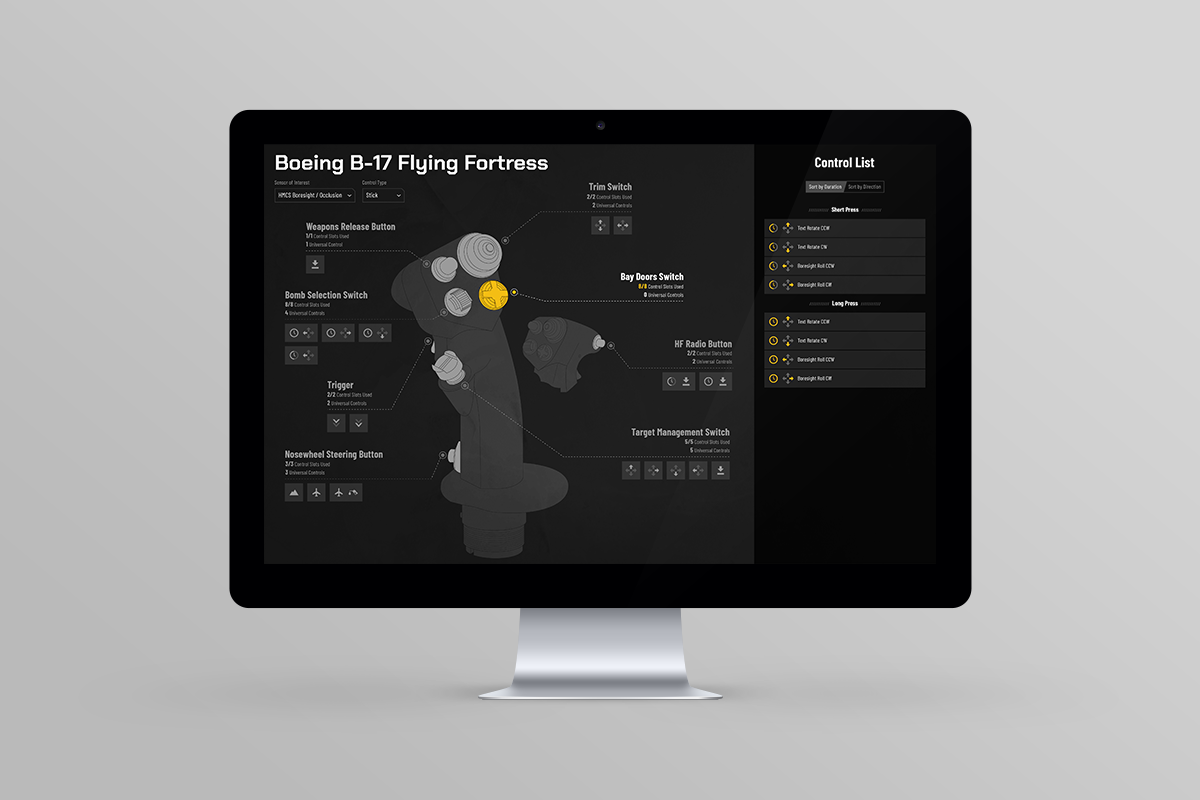
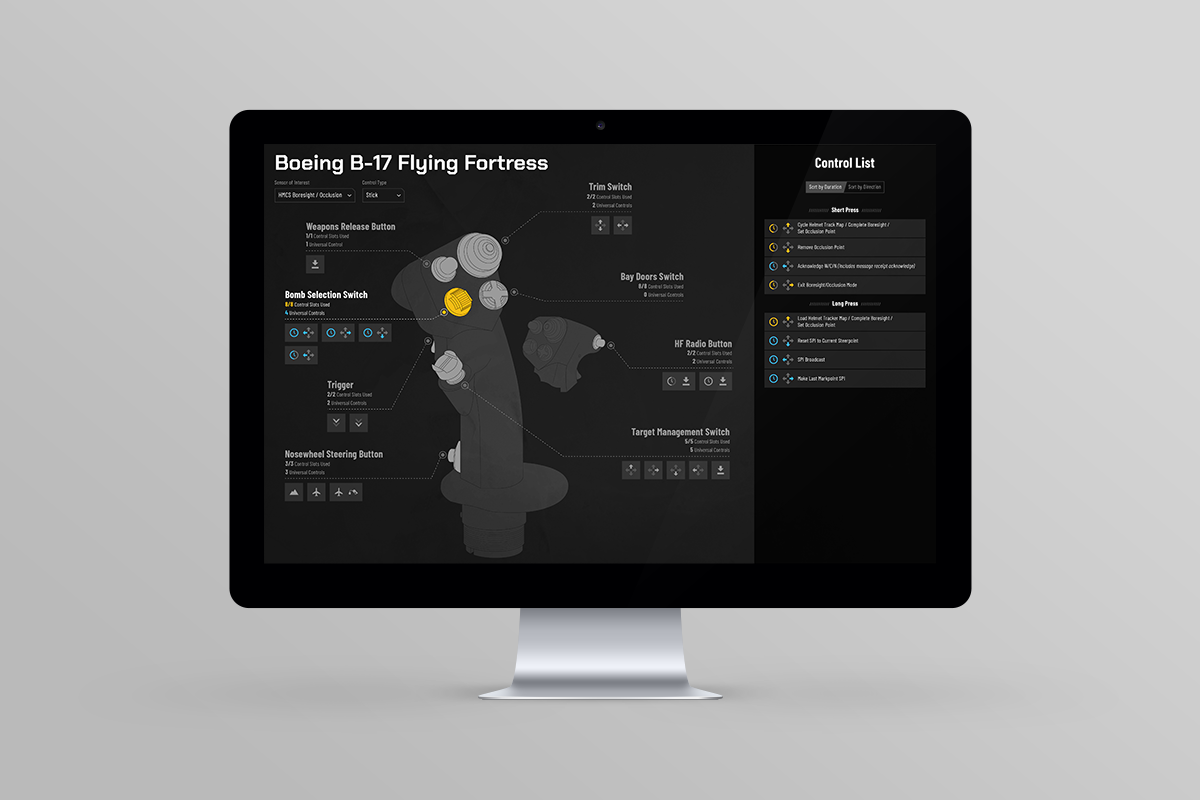
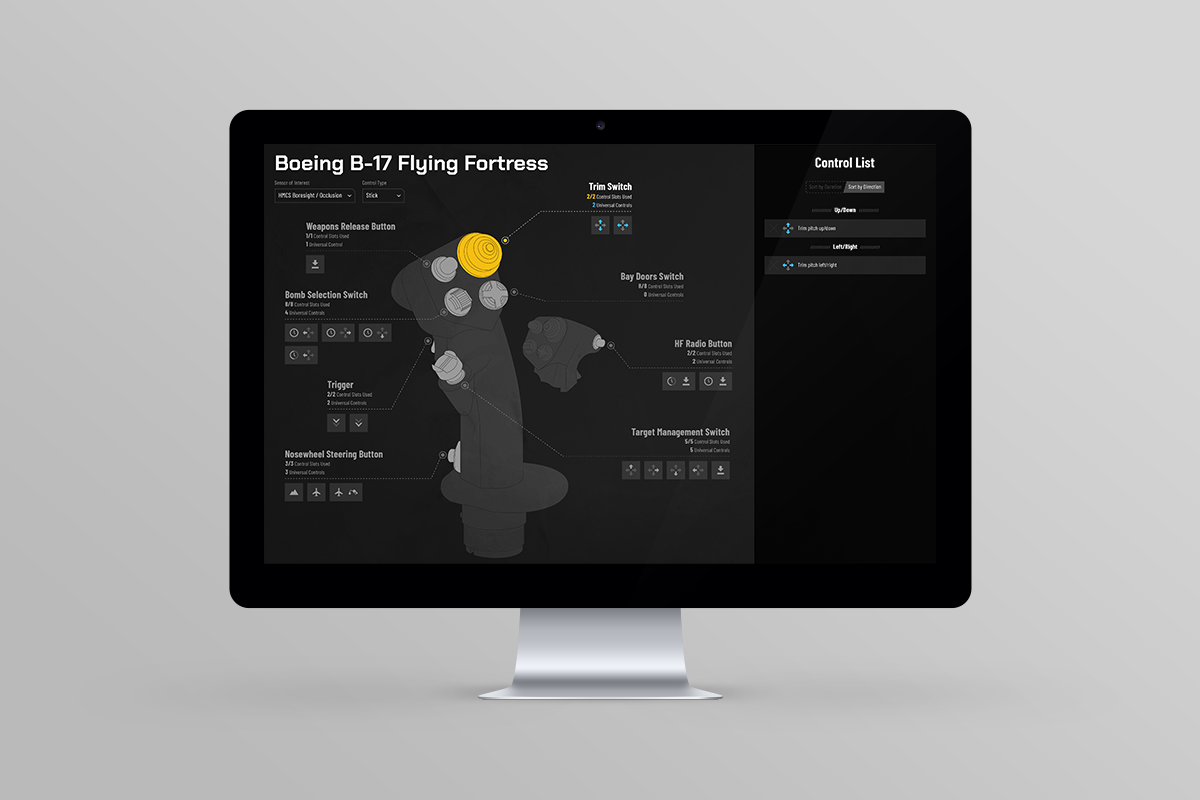
Additional Project Details
We had a very basic MVP/wireframe that we started from which helped establish the overall structure of screen; graphic illustration on the left, control mapping on the right. Eventually our plan was to 3D model the controls for each applicable aircraft so the pilots could turn them in three dimensions. Most of the inspiration for the visual look/feel of the interface game from various console game menus and load out screens. These proved to be surprisingly adept at fitting a bunch of controls and important functions into a relatively small space so they were a great reference point.
The real trick was getting all of the various controls that existed mapped into an Excel document and then translating that information onto the screen without producing clutter. There were some platform specific nuances that made this especially difficult (i.e. – you could short press OR long press a control, which accounted for two different actions) and many controls and available actions were altered by manipulating a different control. I worked closely with our project manager to create what basically amounted to a giant decision tree matrix to account for all of the various actions that could be mapped.
This was a student-driven project that unfortunately never got full funding so we never got a chance to flush our many of the screens or include some of the more aspirational ideas the team had. Still, I feel that it is a good example of distilling complex information into an easily parsable interface by thinking outside the box and finding inspiration in clever places.